



Vision Force launcher
Meridian
The launcher for Project Overdrive. It installs the game from Epic’s own CDN, keeps it repaired, and gets you racing in a couple of steps
Release coming soon
The next public build is being prepared. The download appears here the moment a signed release ships
Windows 10/11 x64 Free
One ecosystem
Features
The game you will race again, the launcher that will run it and the place where new tracks come from. Meridian is the middle of those three
Game
Project Overdrive
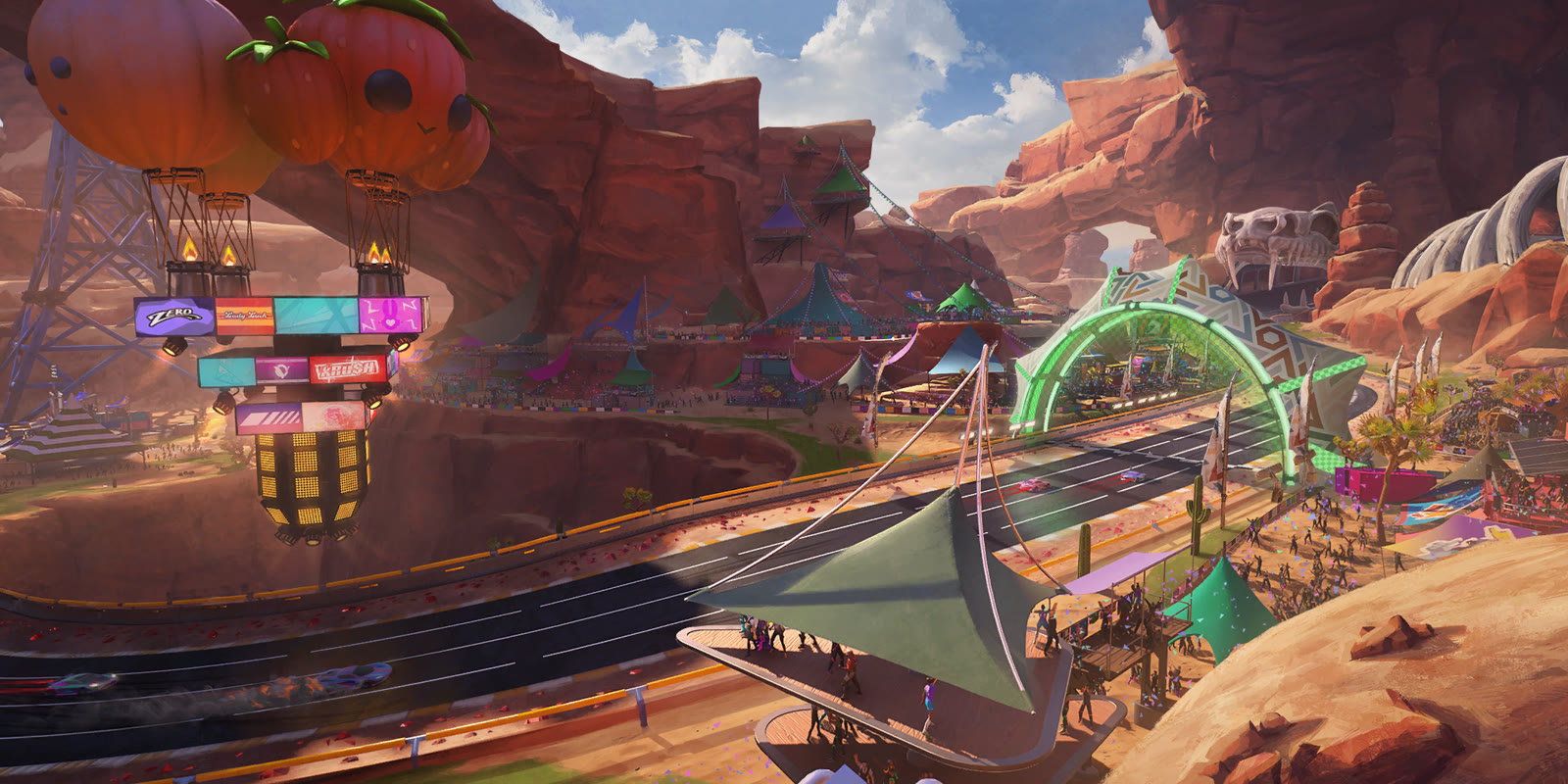
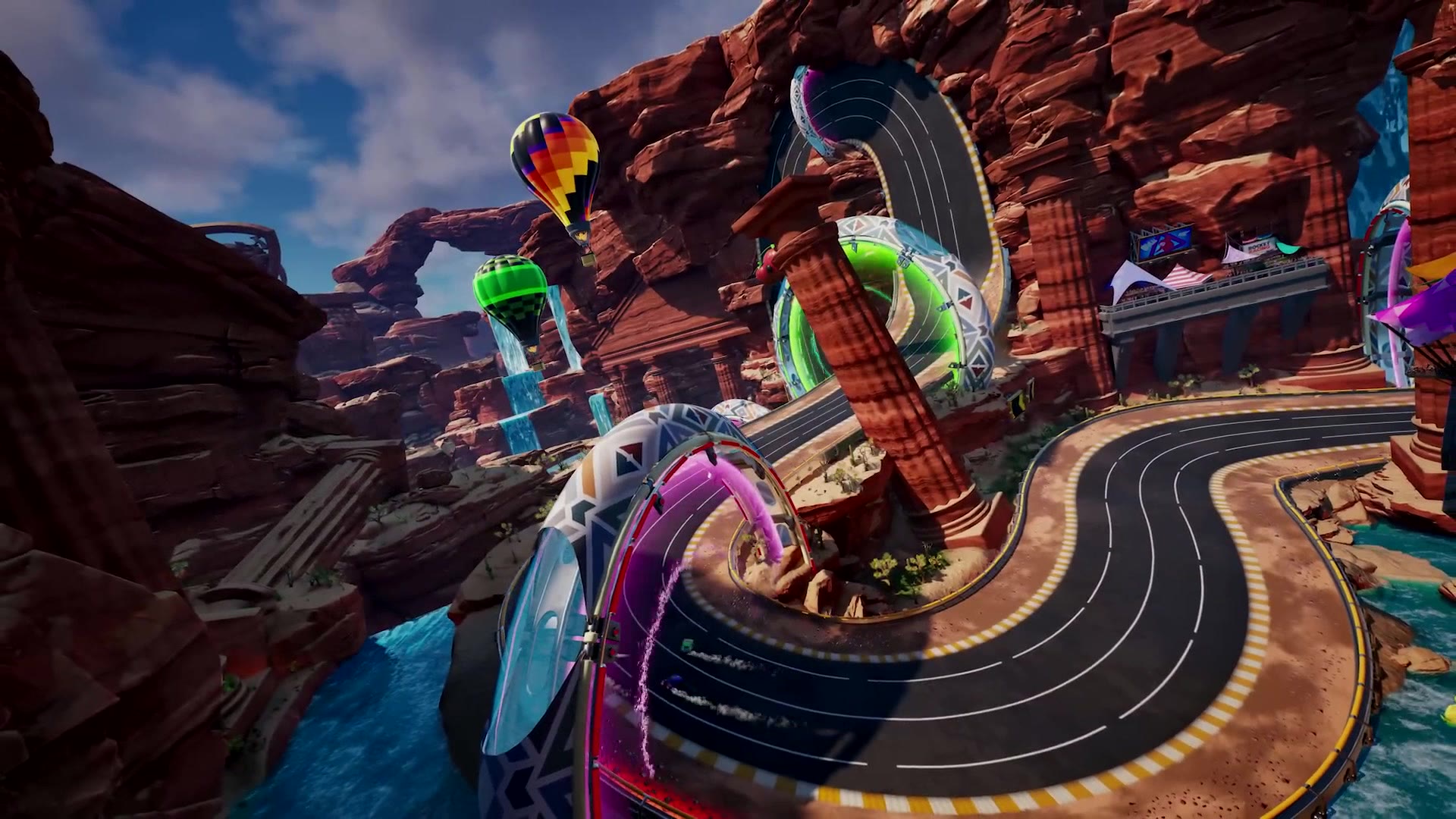
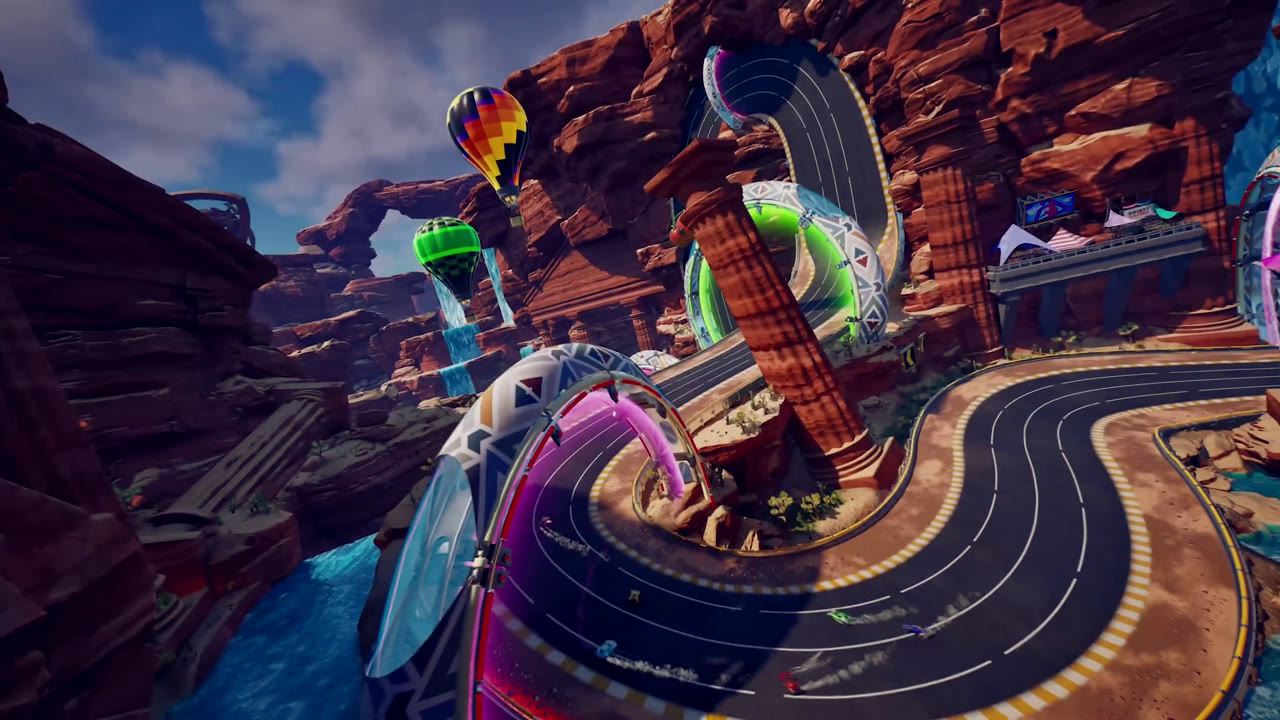
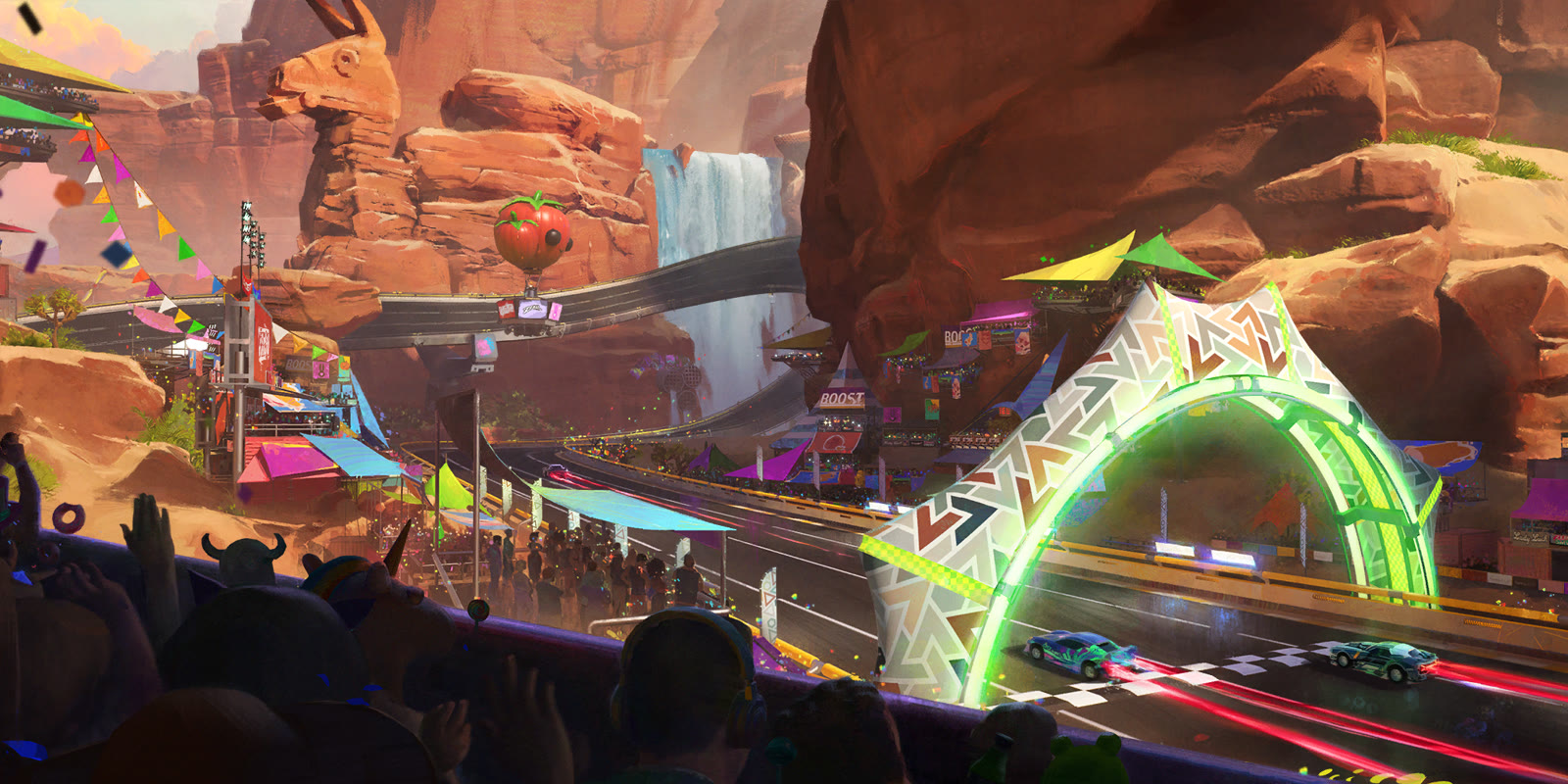
A community revival of Rocket Racing, run on our own servers
Visit the game
The launcher
Meridian
Installs, repairs, updates and launches the game. The page you are reading right now
You are here
The creator program
Create
Build tracks with UEFN for Meridian. Publishing runs through the team by hand up to now, so apply first and we ship it together
Open Create
What it does
Launcher
Straight from the Epic CDN
Meridian downloads Rocket Racing from Epic's own content network. Those are tthe same files the Epic Games Launcher installer fetches, and no Epic account is needed for that. Stop it any time and it resumes where it left off, and a repair pass will verify every file on disk against what the CDN stores
Auto updates
The launcher checks for new builds on its own. An update only installs if its signature matches the signing key built into Meridian, so a tampered download is refused instead of run
PLay in one step
Sign in once with your Vision Force key. Press Play and Meridian brings up everything the game needs to reach our servers
Out of the way until you need it
Meridian is in your system as a background task rather than on your taskbar, and meridian:// quick launch links open it straight from a browser or from Discord
We keep you safe
While the game is running, Meridian adds a block to the Windows hosts file and a certificate so the game talks to Vision Force online servers (VFOS) instead of ones that no longer answer, Epic Online Services (EOS). While the cert is trusted, you wont be able to use any Epic Games service. Cert gets removed when Meridian closes so you can play any Epic Games game normal again
System
Windows 10 or 11
64-bit only
Space of game
60 to 116 GB
depending on what you choose to install
Meridian
About 35 MB
tiny downlaod
Before you ask
FAQ
Who can play right now
Invited racers only for now or people that have requested acceess and got approved. Ask for access on the game page(https://visionforceofficial.com/rrr/overdrive), and once you are approved you generate a key that Meridian uses to sign you in so you can play
What Meridian costs
Nothing. The launcher and the game is free. Vision Force is a fan-made project, not affiliated with, endorsed by, or sponsored by Epic Games or Psyonix
Windows SmartScreen warning
That warning is Windows SmartScreen reacting to a new installer: choose More info, then Run anyway
Downloads
The game files where you chose to install them, and the launcher itself. The hosts and the user certificate it uses that you need to accept while the game runs
No Epic Service Is Working After Meridian shutdown or Windows restart
After Meridian shuts down or your system restarts, Epic services may not function correctly until you restart Meridian or your system. However, if you still cannot play any game using their service, follow these steps: 1. Press Win + R on your keyboard to open the Run dialog box. 2. Type mmc and press Enter (or select Run as Administrator). 3. In the console window, go to File > Add / Remove Snap-in. 4. Choose Certificates from the list of available snap-ins and click Add. 5. Select Computer account for My user account (for the Current User store), then click Finish and OK. 6. Double-click Certificates in the left sidebar and expand Trusted Root Certification Authorities > Certificates to view all accepted root certificate authorities. Then find, right-click the RR Reborn Cert and delete it